Aluminium Composite Sign Templates
Free, print-ready templates for every size and option of our aluminium composite signs, with the bleed, trim and safe area marked, and the folds, cut lines and page labels where your product has them.
About these templates
We have aluminium composite sign templates for A3 (297 x 420mm), A2 (420 x 594mm), A1 (594 x 841mm) and A0 (841 x 1189mm). Each file is the sign plus 5mm of bleed on every side, so an A1 file is 604 x 851mm. Keep text and logos at least 10mm inside the trim, and further in where you will drill or screw through the sign.
Every template is a single page, because our aluminium composite signs are printed on one side. The templates are portrait; for a landscape sign, turn the page round.
Images need at least 100dpi at full size. Signs read close up, such as door and reception signs, look sharper with photos at 150dpi or more. Run backgrounds out to the red bleed edge, then delete or hide the guide layer before you export. Download the PDF for Illustrator, InDesign or Affinity, or the SVG for Canva or Inkscape, and upload your PDF on the aluminium composite signs page.
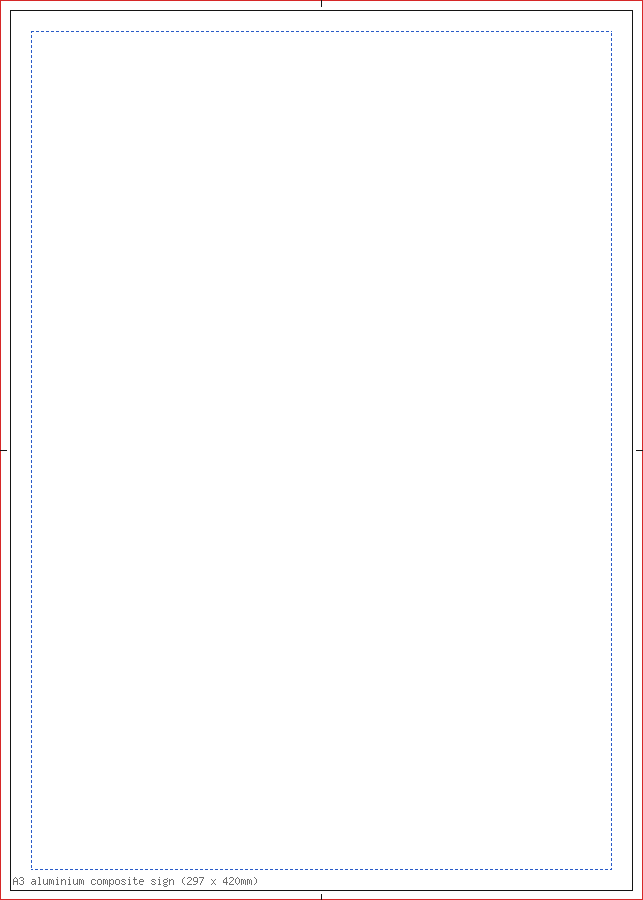
A3 aluminium composite sign (297 x 420mm)
| Trim size | 297 x 420mm |
|---|---|
| Artwork with bleed | 307 x 430mm |
| Bleed | 5mm |
| Safe area | 10mm inside the trim |
| Pages | 1 |
| Formats | PDF, SVG |
Single-sided: supply one page, 307 x 430mm with 5mm bleed. Keep text 10mm inside the trim, more where you will drill or screw through the sign; it comes without holes. Images at least 100dpi at full size. Landscape works too: turn the page.
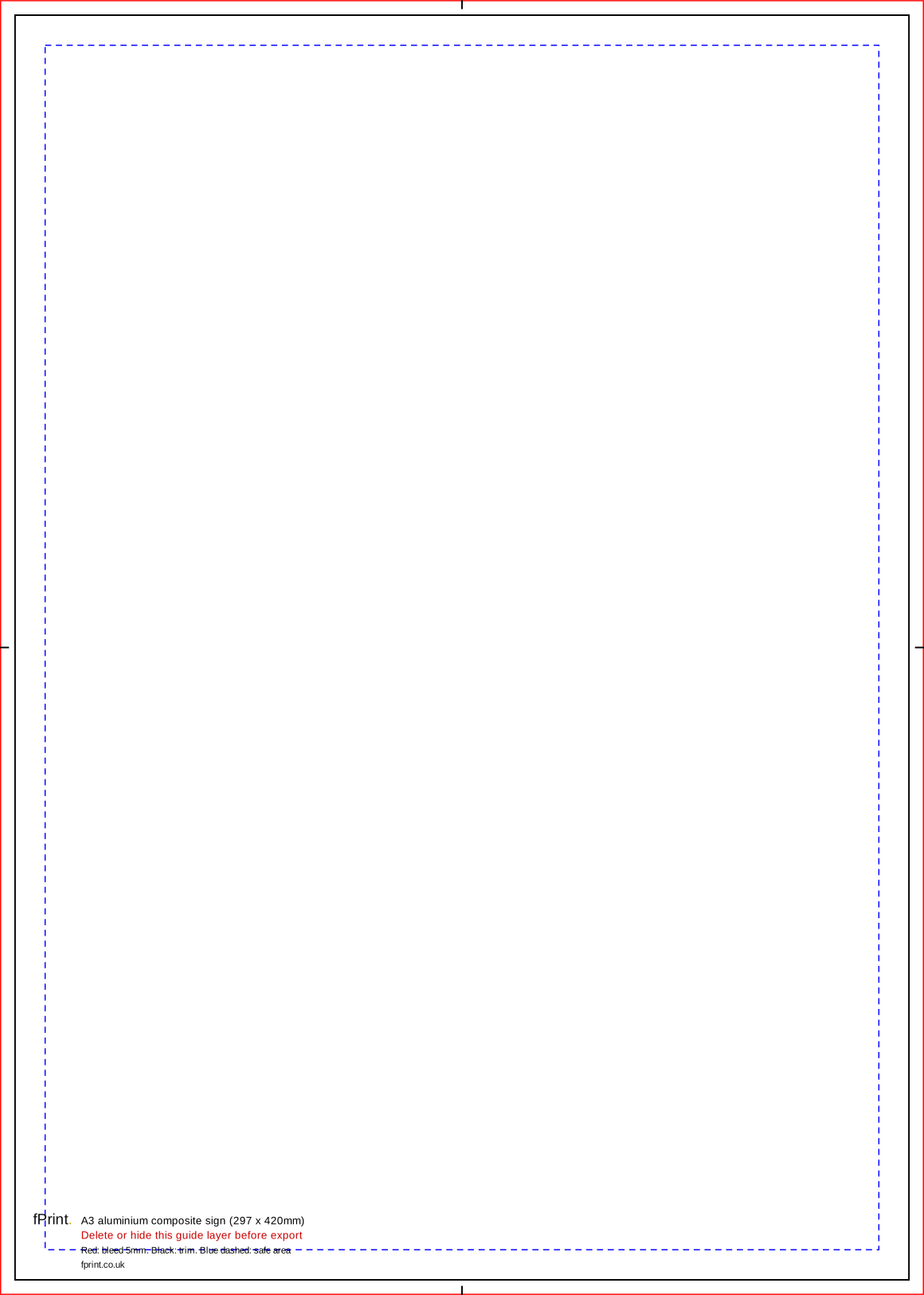
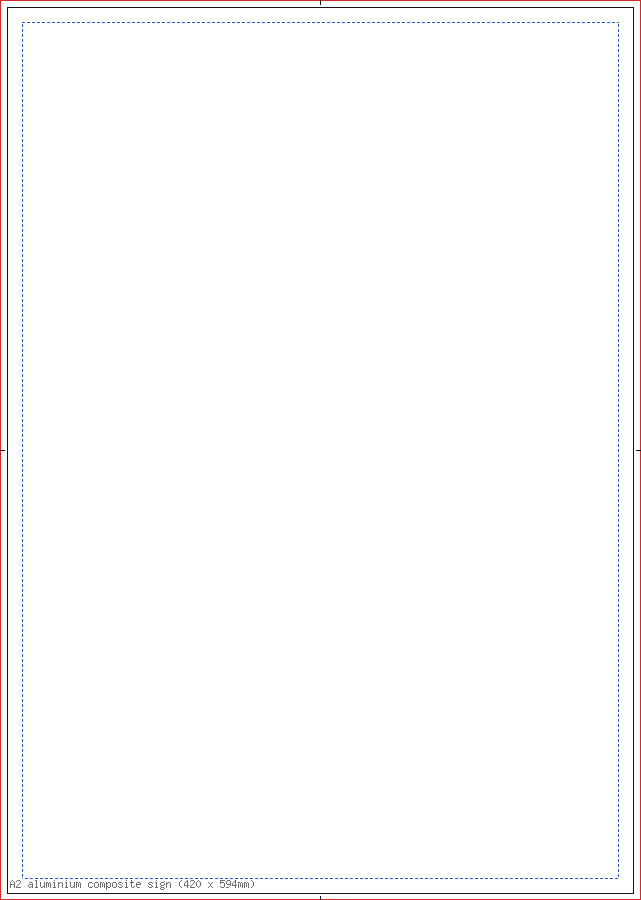
A2 aluminium composite sign (420 x 594mm)
| Trim size | 420 x 594mm |
|---|---|
| Artwork with bleed | 430 x 604mm |
| Bleed | 5mm |
| Safe area | 10mm inside the trim |
| Pages | 1 |
| Formats | PDF, SVG |
Single-sided: supply one page, 430 x 604mm with 5mm bleed. Keep text 10mm inside the trim, more where you will drill or screw through the sign; it comes without holes. Images at least 100dpi at full size. Landscape works too: turn the page.
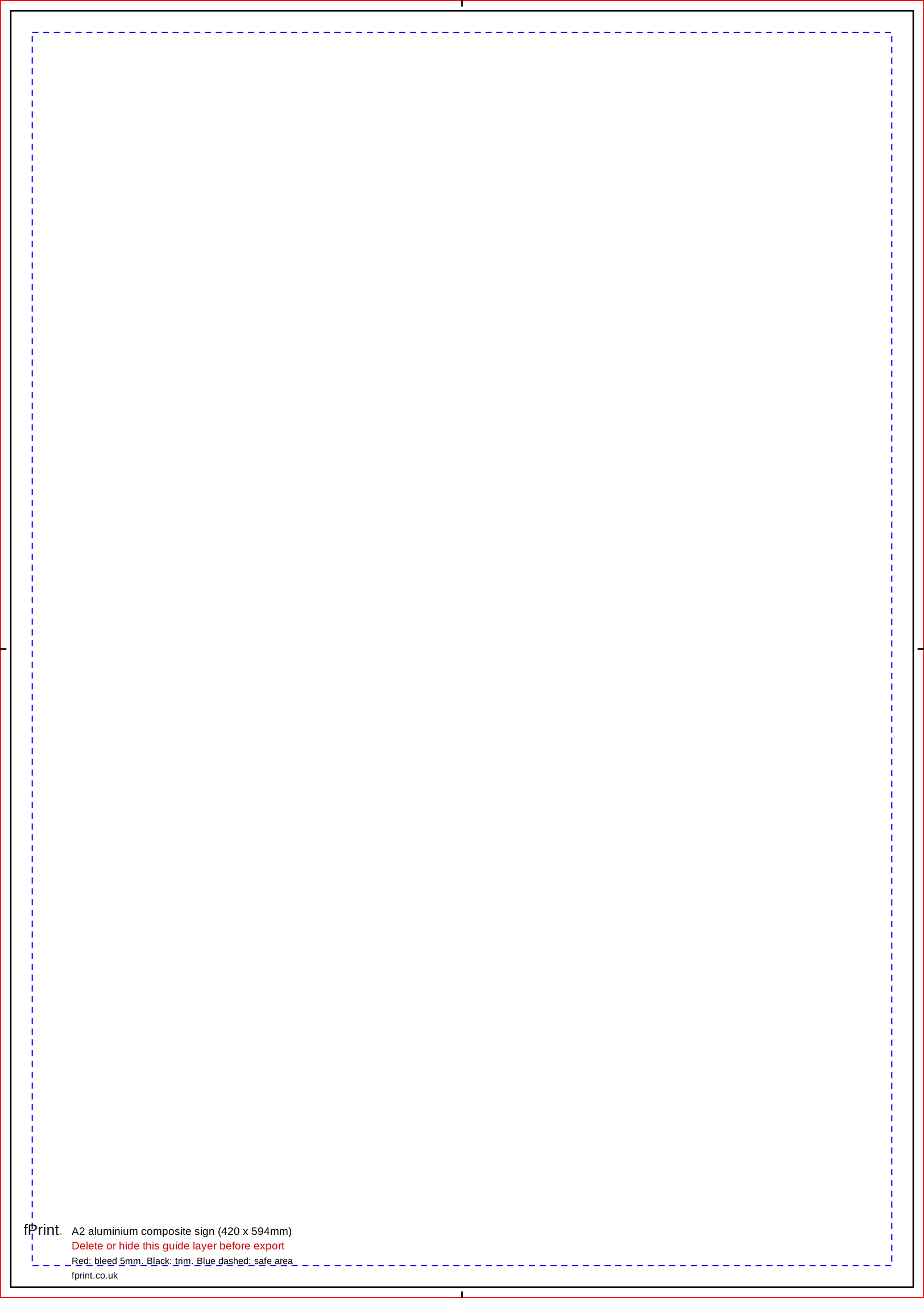
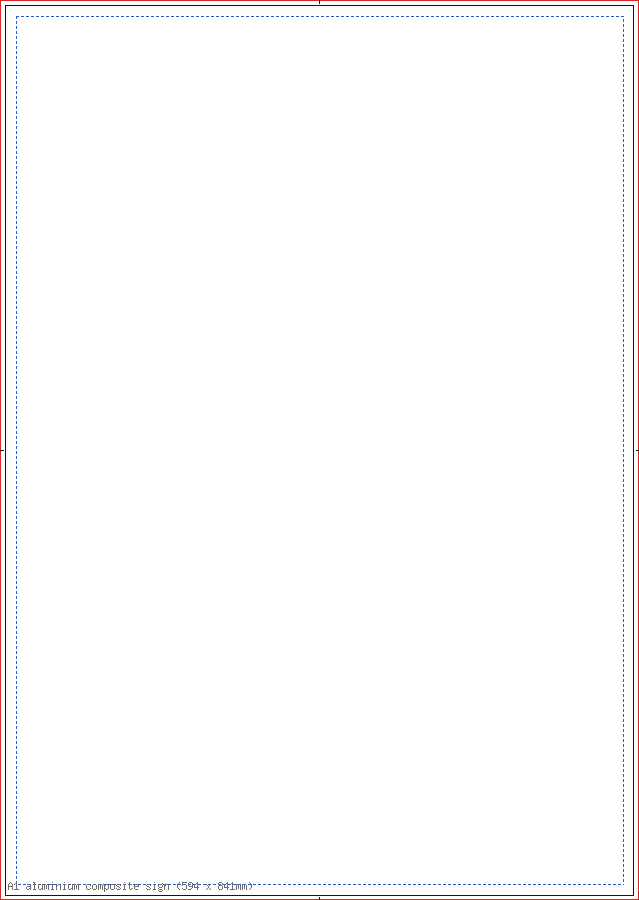
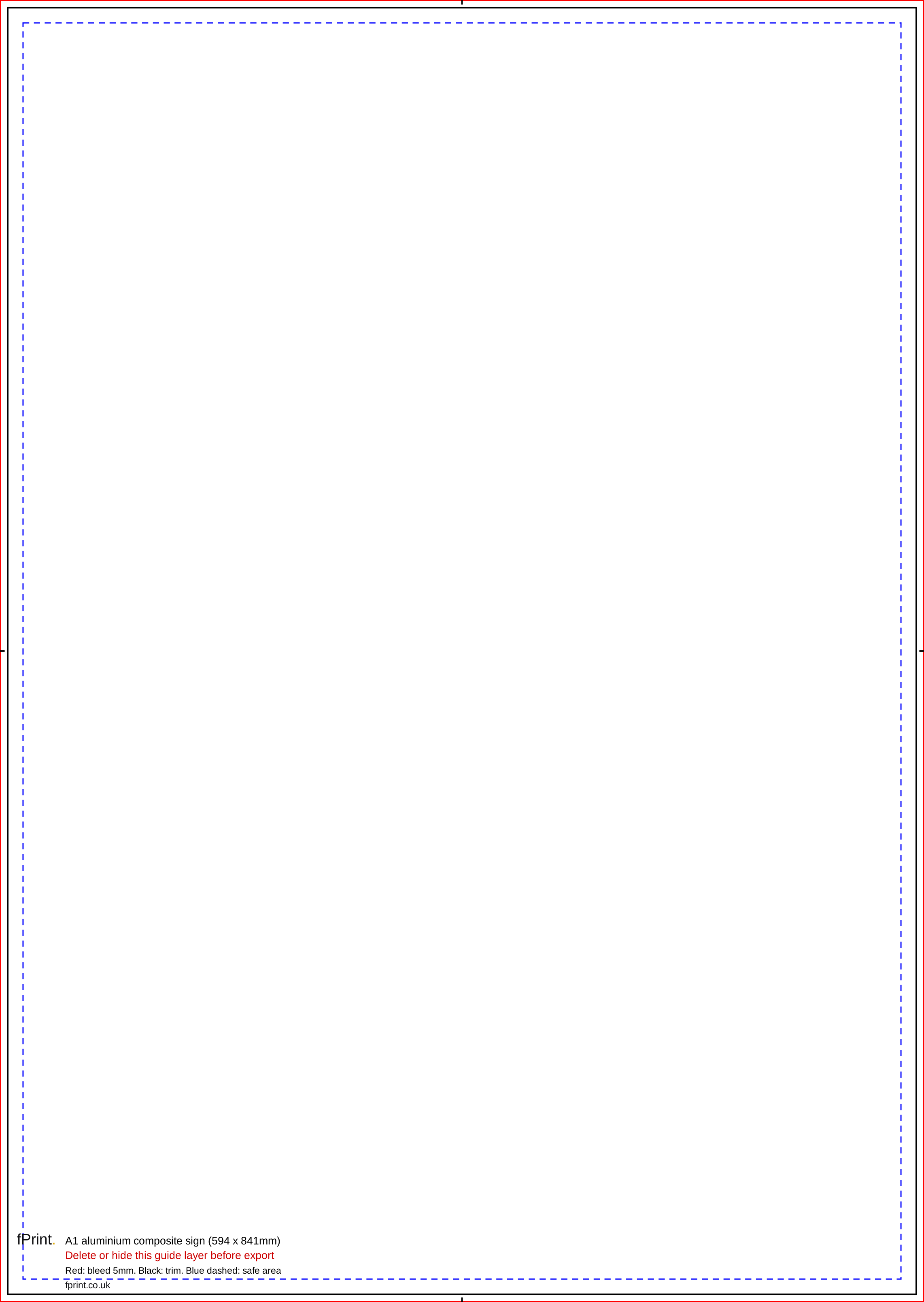
A1 aluminium composite sign (594 x 841mm)
| Trim size | 594 x 841mm |
|---|---|
| Artwork with bleed | 604 x 851mm |
| Bleed | 5mm |
| Safe area | 10mm inside the trim |
| Pages | 1 |
| Formats | PDF, SVG |
Single-sided: supply one page, 604 x 851mm with 5mm bleed. Keep text 10mm inside the trim, more where you will drill or screw through the sign; it comes without holes. Images at least 100dpi at full size. Landscape works too: turn the page.
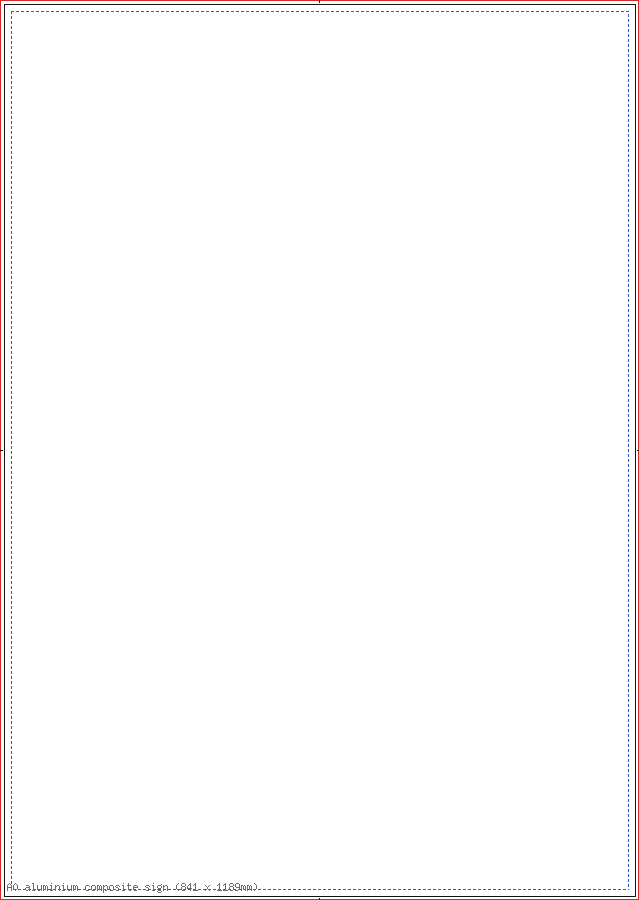
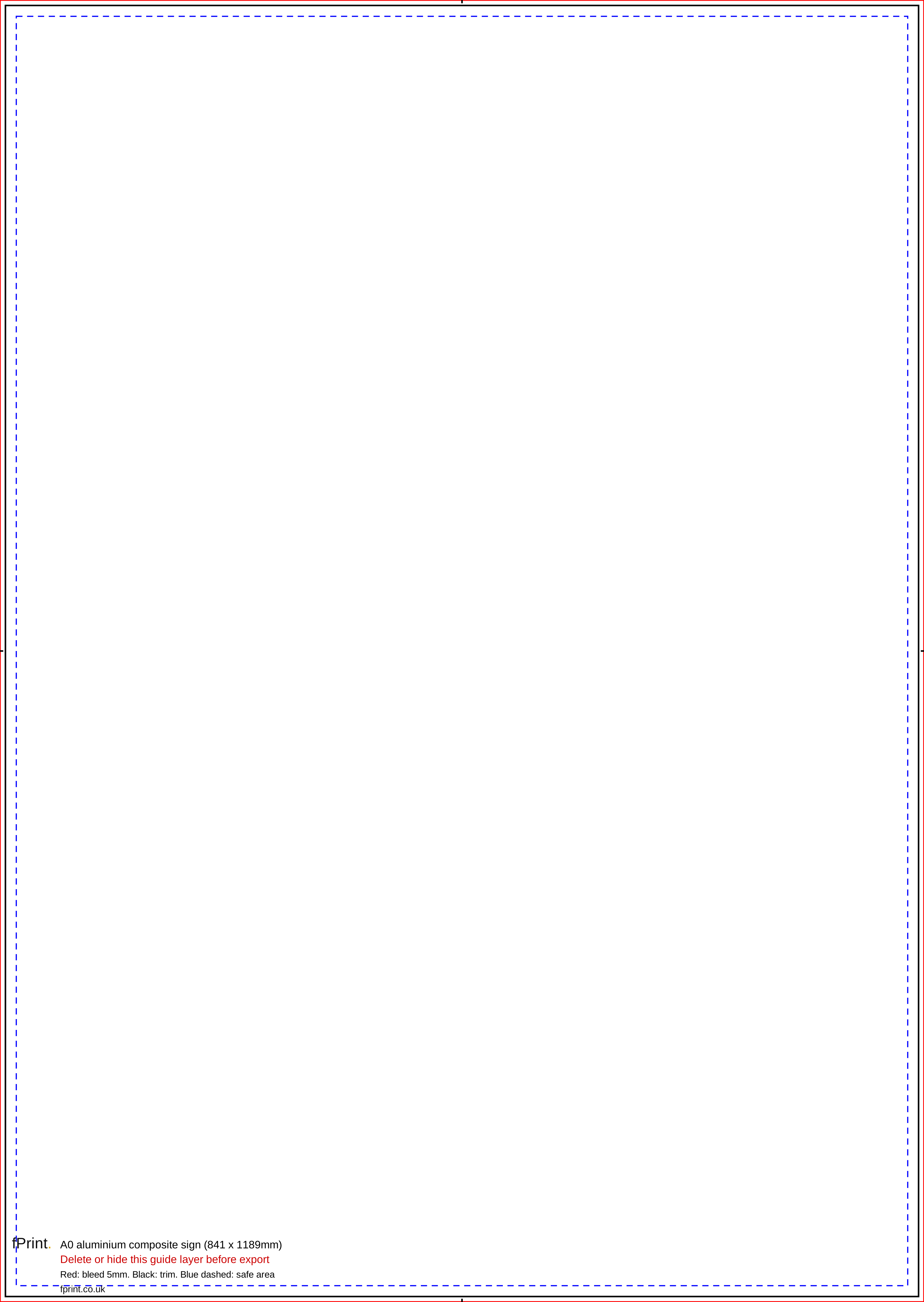
A0 aluminium composite sign (841 x 1189mm)
| Trim size | 841 x 1189mm |
|---|---|
| Artwork with bleed | 851 x 1199mm |
| Bleed | 5mm |
| Safe area | 10mm inside the trim |
| Pages | 1 |
| Formats | PDF, SVG |
Single-sided: supply one page, 851 x 1199mm with 5mm bleed. Keep text 10mm inside the trim, more where you will drill or screw through the sign; it comes without holes. Images at least 100dpi at full size. Landscape works too: turn the page.
Sizes for Canva, Word and other apps
The artwork size is the trim size plus the bleed on every side. Use it as the custom size (in millimetres) when you set up a design without our file, and keep text inside the safe area.
| Template | Trim size | Artwork with bleed (custom size) | Bleed | Safe area |
|---|---|---|---|---|
| A3 aluminium composite sign (297 x 420mm) | 297 x 420mm | 307 x 430mm | 5mm | 10mm inside the trim |
| A2 aluminium composite sign (420 x 594mm) | 420 x 594mm | 430 x 604mm | 5mm | 10mm inside the trim |
| A1 aluminium composite sign (594 x 841mm) | 594 x 841mm | 604 x 851mm | 5mm | 10mm inside the trim |
| A0 aluminium composite sign (841 x 1189mm) | 841 x 1189mm | 851 x 1199mm | 5mm | 10mm inside the trim |
What's in the file
| Mark | Colour and line | What it means |
|---|---|---|
| Bleed edge | Red, thin solid line round the edge of the page | Backgrounds run to here. This 5mm strip is trimmed off. |
| Trim line | Black, solid line, with short black centre marks in the bleed | The edge of the finished sign. |
| Safe area | Blue, short dashes, 10mm inside the trim | Keep text and logos inside this line. |
| Label block | Black and red text near the bottom edge | Template name, legend and the reminder to delete the guides. |
Product notes
| Size | Trim (mm) | Artwork with 5mm bleed (mm) |
|---|---|---|
| A3 | 297 x 420 | 307 x 430 |
| A2 | 420 x 594 | 430 x 604 |
| A1 | 594 x 841 | 604 x 851 |
| A0 | 841 x 1189 | 851 x 1199 |
- Bleed is 5mm, not 3mm. A file with only 3mm of bleed will be flagged by our automatic check.
- Safe area: 10mm inside the trim on every size.
- Holes: our aluminium composite signs come without holes, so the templates don't mark any. Keep important text well inside the safe area so it stays clear of any fixings you add.
- Resolution: at least 100dpi at full size; 150dpi is sharper. A full A1 image needs about 3508 x 4967 pixels at 150dpi.
- Material: 3mm aluminium composite, printed in full colour on one side.
Using it in Canva and Word
Canva's Show print bleed adds about 3mm, which is not enough here. Create a custom-size design at the full artwork size from the table instead, with Show print bleed off, upload our SVG as a guide and delete it before you download as PDF Print. Word's largest page is 22 inches (558.8mm) on each side, so only the A3 size fits; use a design app or Canva for the larger sizes.
Questions
How much bleed does a aluminium composite sign need?
5mm on every side. An A1 sign is 594 x 841mm, so the artwork file is 604 x 851mm. Keep text and logos 10mm inside the trim. In Canva, enter the full artwork size as a custom size, because Canva's own bleed setting only adds about 3mm.
How far from the edge should text be?
At least 10mm inside the trim, which is the blue dashed line in our template. If you will screw or drill through the sign, leave more room at the corners or wherever the fixings go, so they don't cover anything important.
Can I have a landscape sign?
Yes. The templates are portrait, but every size works landscape: turn the page round so the width and height swap, and design as normal. The bleed and safe area stay the same.