Booklet Templates
Free, print-ready templates for every size and option of our stapled booklets, with the bleed, trim and safe area marked, and the folds, cut lines and page labels where your product has them.
About these templates
Our booklet templates are for stapled booklets in A5 (148 x 210mm) and A4 (210 x 297mm), with 8, 12, 16, 20 or 24 pages. There is one template for each size and page count. Every page is a single page with 3mm of bleed, so an A5 page is 154 x 216mm, and every page is labelled, from the front cover to the back cover.
Send your booklet as one PDF of single pages in reading order: front cover first, then the inside front cover, the inside pages, the inside back cover and the back cover last. Don't send spreads, and don't rearrange the pages into printing order. We arrange them for printing ourselves.
Keep text 8mm inside the trim. That is wider than on a flat leaflet, because the pages are folded and stapled, and the middle pages of a thicker booklet sit slightly further out than the cover. The 8mm margin keeps page numbers and text clear on every page.
The covers count as pages, and the page count must be a multiple of four, because each sheet folds in half to make four pages. Download the template for your size and page count, design over the guides, delete or hide the guide layer, and export one PDF. Upload it on the booklets page. For help choosing a page count, see our booklet page counts guide.
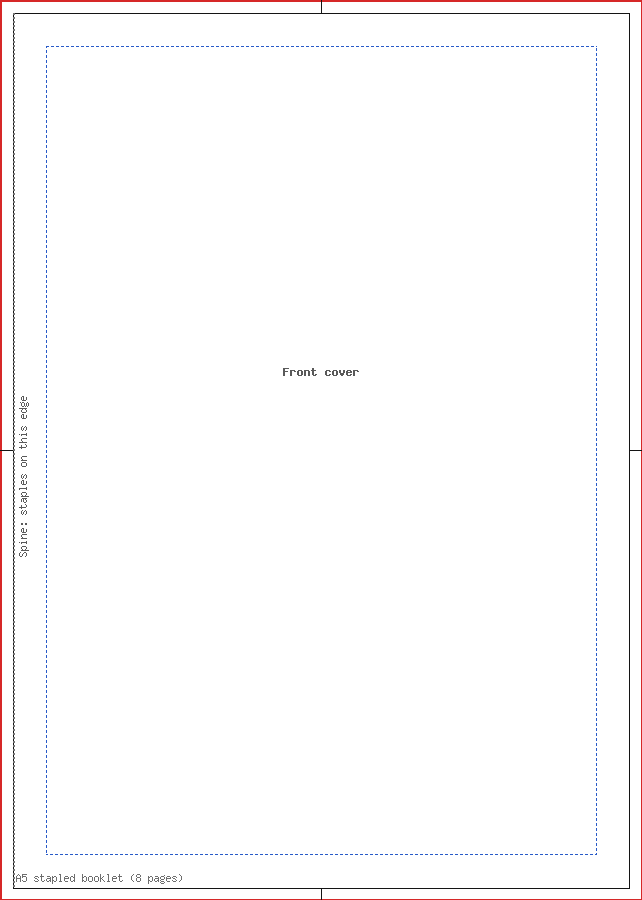
A5 stapled booklet (8 pages)
| Trim size | 148 x 210mm |
|---|---|
| Artwork with bleed | 154 x 216mm |
| Bleed | 3mm |
| Safe area | 8mm inside the trim |
| Pages | 8 |
| Formats | PDF, SVG, Word (DOCX) |
One PDF of 8 single pages in reading order, not spreads, each 154 x 216mm with 3mm bleed: front cover, inside front cover, pages 3 to 6, inside back cover, back cover. Keep text 8mm from the trim; the stapled spine edge is marked on every page.


A5 stapled booklet (12 pages)
| Trim size | 148 x 210mm |
|---|---|
| Artwork with bleed | 154 x 216mm |
| Bleed | 3mm |
| Safe area | 8mm inside the trim |
| Pages | 12 |
| Formats | PDF, SVG |
One PDF of 12 single pages in reading order, not spreads, each 154 x 216mm with 3mm bleed: front cover, inside front cover, pages 3 to 10, inside back cover, back cover. Keep text 8mm from the trim; the stapled spine edge is marked on every page.

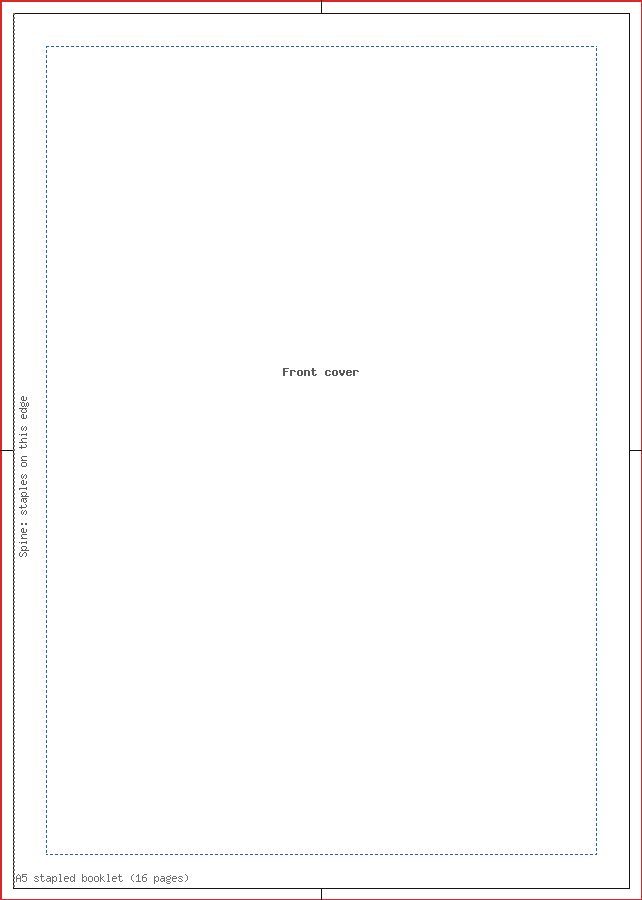
A5 stapled booklet (16 pages)
| Trim size | 148 x 210mm |
|---|---|
| Artwork with bleed | 154 x 216mm |
| Bleed | 3mm |
| Safe area | 8mm inside the trim |
| Pages | 16 |
| Formats | PDF, SVG |
One PDF of 16 single pages in reading order, not spreads, each 154 x 216mm with 3mm bleed: front cover, inside front cover, pages 3 to 14, inside back cover, back cover. Keep text 8mm from the trim; the stapled spine edge is marked on every page.


A5 stapled booklet (20 pages)
| Trim size | 148 x 210mm |
|---|---|
| Artwork with bleed | 154 x 216mm |
| Bleed | 3mm |
| Safe area | 8mm inside the trim |
| Pages | 20 |
| Formats | PDF, SVG |
One PDF of 20 single pages in reading order, not spreads, each 154 x 216mm with 3mm bleed: front cover, inside front cover, pages 3 to 18, inside back cover, back cover. Keep text 8mm from the trim; the stapled spine edge is marked on every page.


A5 stapled booklet (24 pages)
| Trim size | 148 x 210mm |
|---|---|
| Artwork with bleed | 154 x 216mm |
| Bleed | 3mm |
| Safe area | 8mm inside the trim |
| Pages | 24 |
| Formats | PDF, SVG |
One PDF of 24 single pages in reading order, not spreads, each 154 x 216mm with 3mm bleed: front cover, inside front cover, pages 3 to 22, inside back cover, back cover. Keep text 8mm from the trim; the stapled spine edge is marked on every page.

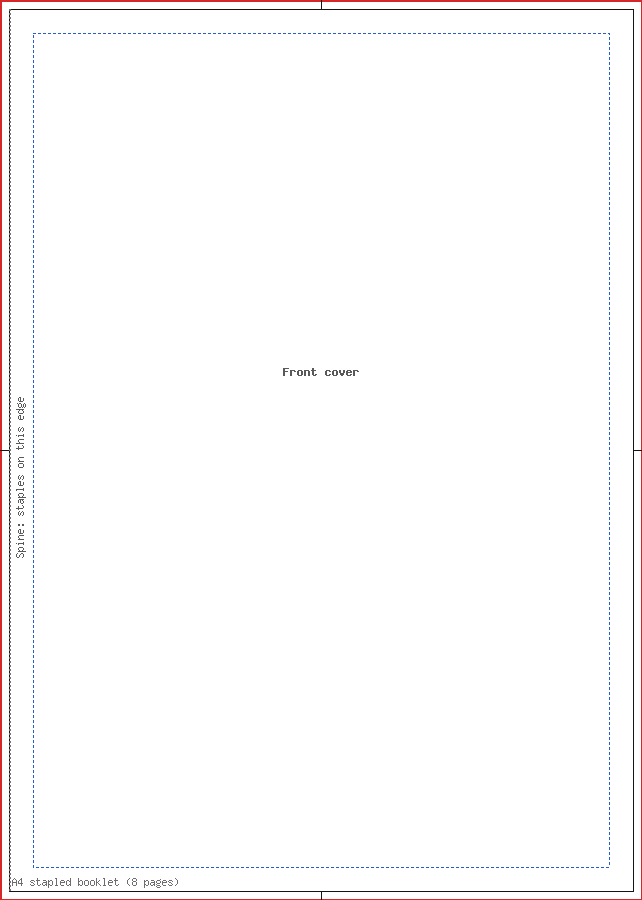
A4 stapled booklet (8 pages)
| Trim size | 210 x 297mm |
|---|---|
| Artwork with bleed | 216 x 303mm |
| Bleed | 3mm |
| Safe area | 8mm inside the trim |
| Pages | 8 |
| Formats | PDF, SVG |
One PDF of 8 single pages in reading order, not spreads, each 216 x 303mm with 3mm bleed: front cover, inside front cover, pages 3 to 6, inside back cover, back cover. Keep text 8mm from the trim; the stapled spine edge is marked on every page.


A4 stapled booklet (12 pages)
| Trim size | 210 x 297mm |
|---|---|
| Artwork with bleed | 216 x 303mm |
| Bleed | 3mm |
| Safe area | 8mm inside the trim |
| Pages | 12 |
| Formats | PDF, SVG |
One PDF of 12 single pages in reading order, not spreads, each 216 x 303mm with 3mm bleed: front cover, inside front cover, pages 3 to 10, inside back cover, back cover. Keep text 8mm from the trim; the stapled spine edge is marked on every page.
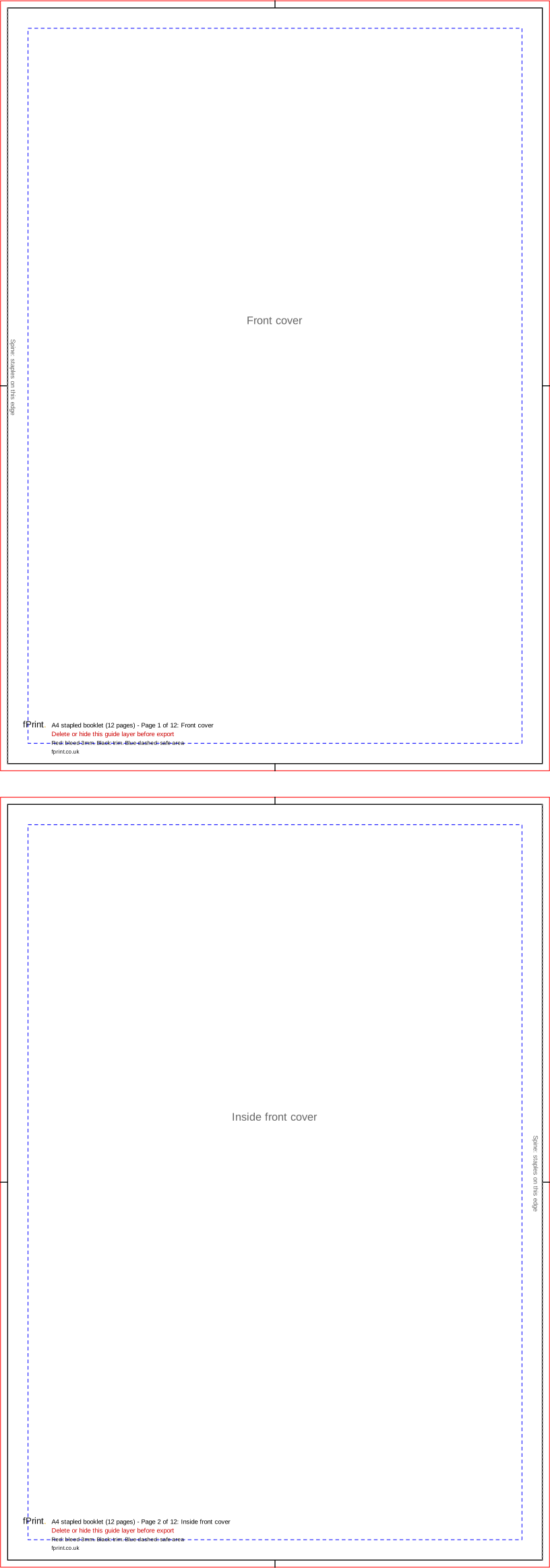

A4 stapled booklet (16 pages)
| Trim size | 210 x 297mm |
|---|---|
| Artwork with bleed | 216 x 303mm |
| Bleed | 3mm |
| Safe area | 8mm inside the trim |
| Pages | 16 |
| Formats | PDF, SVG |
One PDF of 16 single pages in reading order, not spreads, each 216 x 303mm with 3mm bleed: front cover, inside front cover, pages 3 to 14, inside back cover, back cover. Keep text 8mm from the trim; the stapled spine edge is marked on every page.


A4 stapled booklet (20 pages)
| Trim size | 210 x 297mm |
|---|---|
| Artwork with bleed | 216 x 303mm |
| Bleed | 3mm |
| Safe area | 8mm inside the trim |
| Pages | 20 |
| Formats | PDF, SVG |
One PDF of 20 single pages in reading order, not spreads, each 216 x 303mm with 3mm bleed: front cover, inside front cover, pages 3 to 18, inside back cover, back cover. Keep text 8mm from the trim; the stapled spine edge is marked on every page.


A4 stapled booklet (24 pages)
| Trim size | 210 x 297mm |
|---|---|
| Artwork with bleed | 216 x 303mm |
| Bleed | 3mm |
| Safe area | 8mm inside the trim |
| Pages | 24 |
| Formats | PDF, SVG |
One PDF of 24 single pages in reading order, not spreads, each 216 x 303mm with 3mm bleed: front cover, inside front cover, pages 3 to 22, inside back cover, back cover. Keep text 8mm from the trim; the stapled spine edge is marked on every page.

Sizes for Canva, Word and other apps
The artwork size is the trim size plus the bleed on every side. Use it as the custom size (in millimetres) when you set up a design without our file, and keep text inside the safe area.
| Template | Trim size | Artwork with bleed (custom size) | Bleed | Safe area |
|---|---|---|---|---|
| A5 stapled booklet (8 pages) | 148 x 210mm | 154 x 216mm | 3mm | 8mm inside the trim |
| A5 stapled booklet (12 pages) | 148 x 210mm | 154 x 216mm | 3mm | 8mm inside the trim |
| A5 stapled booklet (16 pages) | 148 x 210mm | 154 x 216mm | 3mm | 8mm inside the trim |
| A5 stapled booklet (20 pages) | 148 x 210mm | 154 x 216mm | 3mm | 8mm inside the trim |
| A5 stapled booklet (24 pages) | 148 x 210mm | 154 x 216mm | 3mm | 8mm inside the trim |
| A4 stapled booklet (8 pages) | 210 x 297mm | 216 x 303mm | 3mm | 8mm inside the trim |
| A4 stapled booklet (12 pages) | 210 x 297mm | 216 x 303mm | 3mm | 8mm inside the trim |
| A4 stapled booklet (16 pages) | 210 x 297mm | 216 x 303mm | 3mm | 8mm inside the trim |
| A4 stapled booklet (20 pages) | 210 x 297mm | 216 x 303mm | 3mm | 8mm inside the trim |
| A4 stapled booklet (24 pages) | 210 x 297mm | 216 x 303mm | 3mm | 8mm inside the trim |
What's in the file
| Mark | Colour and line | What it means |
|---|---|---|
| Bleed edge | Red, thin solid line round the edge of each page | Backgrounds run to here. This 3mm strip is trimmed off. |
| Trim line | Black, solid line, with short black centre marks in the bleed | The finished page edge. |
| Safe area | Blue, short dashes, 8mm inside the trim | Keep text, page numbers and logos inside this line. |
| Spine edge | Grey, short dotted line, thicker than the others, labelled "Spine: staples on this edge" | The folded, stapled edge of that page. It is on the left of right-hand pages and on the right of left-hand pages. |
| Page label | Grey text, such as "Front cover", "Page 3" or "Back cover" | Where the page sits in the booklet. |
Product notes
- Sizes: A5 pages are 148 x 210mm (154 x 216mm with bleed); A4 pages are 210 x 297mm (216 x 303mm with bleed).
- Page counts: 8, 12, 16, 20 or 24, covers included. An 8-page booklet is the four cover pages plus four inside pages.
- Order: single pages in reading order, in one PDF. The page labels in the template show the order.
- Paper: 170gsm silk throughout, with the cover on the same paper as the inside pages (a self cover), stapled twice on the spine.
- Safe area: 8mm on every edge, including the spine edge.
- Orders of service: an A5 booklet of 8 or 12 pages is a common choice. Our order of service guide covers what goes on each page.
Using it in design apps, Canva and Word
- InDesign or Affinity Publisher: you can work in facing-page spreads, but export the PDF as single pages, not spreads, with 3mm bleed included.
- Canva: create a custom-size design at the page size, turn on Show print bleed, add a page for every booklet page and download as PDF Print. Canva exports single pages in order.
- Word: set a custom page size of 154 x 216mm (A5 with bleed) or 216 x 303mm (A4 with bleed) with zero margins, and keep text 11mm from every edge (3mm bleed plus the 8mm safe area). Save as PDF. Don't use Word's book fold layout: it puts two pages on each sheet in printing order, which we can't use.
Questions
Should I send my booklet as single pages or spreads?
Single pages, in reading order, in one PDF. Page 1 is the front cover and the last page is the back cover. Don't send two pages side by side, and don't reorder the pages for printing, because we do that ourselves. Our templates are already single pages, each labelled, so following them gives you the right order.
Why does my page count have to be a multiple of four?
Each sheet of paper is folded in half and stapled through the fold, which makes four pages: two on the front of the sheet and two on the back. So a stapled booklet is always 8, 12, 16, 20 or 24 pages. If your content falls short, add a notes page, a photo or a blank inside back cover.
Do the covers count as pages?
Yes. The front cover, inside front cover, inside back cover and back cover are all pages, and our booklets use the same paper for the cover and the inside. An 8-page booklet therefore has the four cover pages and four inside pages. The template labels every page, so you can see where each one falls.
Why is the safe area 8mm on booklets?
When a booklet is folded and stapled, the middle pages sit slightly further out than the outer ones and are trimmed a little more. Text close to the edge can end up too near the trim, or tucked into the spine. Keeping text 8mm inside the trim on every page avoids both problems.
Can I make a booklet in Word?
Yes. Set a custom page size at the full page size with bleed (154 x 216mm for A5) and zero margins, write one booklet page per Word page in reading order, and keep text 11mm from every edge. Use Save as PDF. Don't use Word's book fold option, which rearranges the pages into printing order.