Leaflet and Flyer Templates
Free, print-ready templates for every size and option of our leaflets and flyers, with the bleed, trim and safe area marked, and the folds, cut lines and page labels where your product has them.
About these templates
We have leaflet and flyer templates for all four sizes we print: A6 (105 x 148mm), A5 (148 x 210mm), A4 (210 x 297mm) and DL (99 x 210mm). Each file is the leaflet plus 3mm of bleed on every side, so an A5 file is 154 x 216mm. Keep text 5mm inside the trim.
Leaflets and flyers are the same product, so one set of templates covers both. Each template has two pages: page 1 is the front and page 2 the back. For a double-sided leaflet, design both pages and export them together as one PDF. For a single-sided leaflet, send page 1 only.
The templates are portrait. For a landscape leaflet, turn the page round: the sizes are the same, just rotated.
Run backgrounds and photos out to the red bleed edge, and keep headlines, prices, phone numbers and web addresses inside the blue dashed safe area. Download the PDF for Illustrator, InDesign or Affinity, or the SVG for Canva or Inkscape. Delete or hide the guide layer before you export, then upload your PDF on the leaflets page. Not sure which size to choose? Our leaflet and flyer sizes guide compares them.

DL leaflet (99 x 210mm)
| Trim size | 99 x 210mm |
|---|---|
| Artwork with bleed | 105 x 216mm |
| Bleed | 3mm |
| Safe area | 5mm inside the trim |
| Pages | 2 |
| Formats | PDF, SVG |
Page 1 is the front and page 2 the back; for single-sided leaflets supply page 1 only. Each page is 105 x 216mm with 3mm bleed. Keep text 5mm inside the trim. Landscape works too: turn the page.

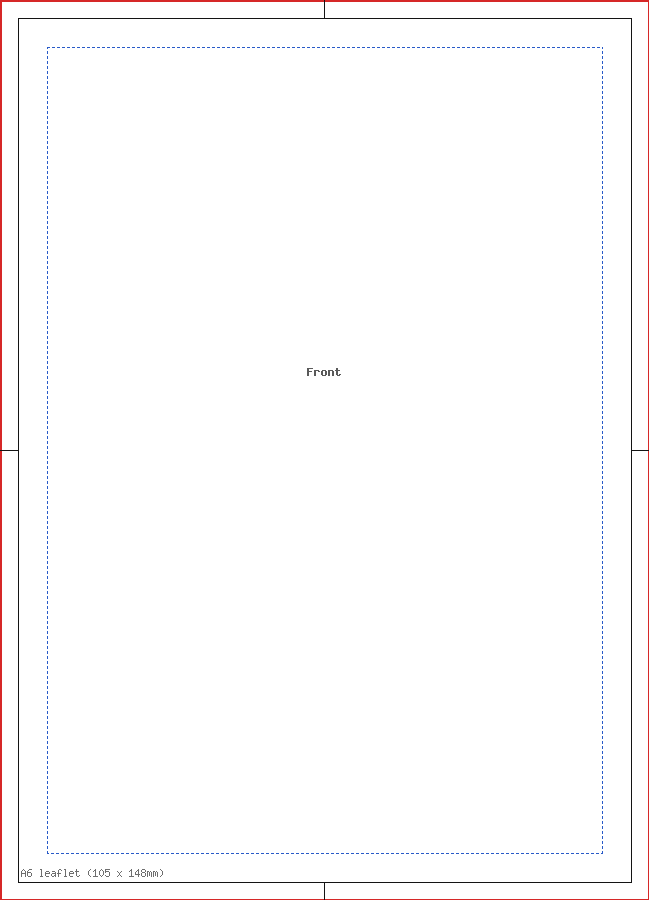
A6 leaflet (105 x 148mm)
| Trim size | 105 x 148mm |
|---|---|
| Artwork with bleed | 111 x 154mm |
| Bleed | 3mm |
| Safe area | 5mm inside the trim |
| Pages | 2 |
| Formats | PDF, SVG |
Page 1 is the front and page 2 the back; for single-sided leaflets supply page 1 only. Each page is 111 x 154mm with 3mm bleed. Keep text 5mm inside the trim. Landscape works too: turn the page.


A5 leaflet (148 x 210mm)
| Trim size | 148 x 210mm |
|---|---|
| Artwork with bleed | 154 x 216mm |
| Bleed | 3mm |
| Safe area | 5mm inside the trim |
| Pages | 2 |
| Formats | PDF, SVG, Word (DOCX) |
Page 1 is the front and page 2 the back; for single-sided leaflets supply page 1 only. Each page is 154 x 216mm with 3mm bleed. Keep text 5mm inside the trim. Landscape works too: turn the page.


A4 leaflet (210 x 297mm)
| Trim size | 210 x 297mm |
|---|---|
| Artwork with bleed | 216 x 303mm |
| Bleed | 3mm |
| Safe area | 5mm inside the trim |
| Pages | 2 |
| Formats | PDF, SVG |
Page 1 is the front and page 2 the back; for single-sided leaflets supply page 1 only. Each page is 216 x 303mm with 3mm bleed. Keep text 5mm inside the trim. Landscape works too: turn the page.

Sizes for Canva, Word and other apps
The artwork size is the trim size plus the bleed on every side. Use it as the custom size (in millimetres) when you set up a design without our file, and keep text inside the safe area.
| Template | Trim size | Artwork with bleed (custom size) | Bleed | Safe area |
|---|---|---|---|---|
| A6 leaflet (105 x 148mm) | 105 x 148mm | 111 x 154mm | 3mm | 5mm inside the trim |
| A5 leaflet (148 x 210mm) | 148 x 210mm | 154 x 216mm | 3mm | 5mm inside the trim |
| A4 leaflet (210 x 297mm) | 210 x 297mm | 216 x 303mm | 3mm | 5mm inside the trim |
| DL leaflet (99 x 210mm) | 99 x 210mm | 105 x 216mm | 3mm | 5mm inside the trim |
What's in the file
| Mark | Colour and line | What it means |
|---|---|---|
| Bleed edge | Red, thin solid line round the edge of the page | Backgrounds run to here. This 3mm strip is trimmed off. |
| Trim line | Black, solid line, with short black centre marks in the bleed | Where the leaflet is cut to size. |
| Safe area | Blue, short dashes, 5mm inside the trim | Keep text and logos inside this line. |
| Page label | Grey text, "Front" or "Back" | Which side of the leaflet the page is. |
| Label block | Black and red text near the bottom edge | Template name, page number, legend and the reminder to delete the guides. |
Product notes
| Size | Trim (mm) | Artwork with 3mm bleed (mm) |
|---|---|---|
| A6 | 105 x 148 | 111 x 154 |
| A5 | 148 x 210 | 154 x 216 |
| A4 | 210 x 297 | 216 x 303 |
| DL | 99 x 210 | 105 x 216 |
- Safe area: 5mm inside the trim on every size.
- Double-sided: one PDF with the front as page 1 and the back as page 2. The same template works for both sides.
- Resolution: images at 300dpi at the size you place them. A full-page A5 photo with bleed needs about 1819 x 2551 pixels.
- Borders: on A6, A5 and DL, avoid thin frames round the edge. Use a border at least 20mm wide or none, because a slight shift in trimming makes a narrow border look uneven.
Using it in Word
Word has no bleed setting, so set the page to the full artwork size from the table, with all margins at zero. Stretch background images to the page edge, keep text 8mm in from every edge (3mm bleed plus 5mm safe), add a second page for the back if you need one, and use Save as PDF.
Using it in Canva
Create a custom-size design at the trim size, turn on Show print bleed, upload our SVG as a guide and stretch it to fill the page. Delete it before you download as PDF Print. See our Canva printing guide for the settings.
Questions
What is the difference between a leaflet template and a flyer template?
There isn't one. "Leaflet" and "flyer" are two names for the same single printed sheet, and we print them as one product. Download the template for the size you want (A6, A5, A4 or DL) and use it for either. If your leaflet is folded, use our folded leaflet templates instead, because those show the fold lines and panel widths.
How do I set up a double-sided leaflet?
The template has two pages. Design the front on page 1 and the back on page 2, then export them as one two-page PDF. Both sides use the same bleed and safe area. Check the on-screen proof to make sure the back is the right way up, especially if your leaflet is landscape.
Can I use these templates for a landscape leaflet?
Yes. Turn the page round in your design program so the long edge is horizontal. The bleed, trim and safe area are the same, just rotated. Our file check reads the size in either direction. If you print double-sided, make sure both pages are landscape so the back lines up with the front.
What size is the DL leaflet template?
A DL leaflet is 99 x 210mm, a third of an A4 sheet, so the artwork with 3mm bleed is 105 x 216mm. Keep text 5mm inside the trim. DL leaflets fit a standard DL envelope (110 x 220mm), and the tall, narrow shape suits menus, price lists and timetables.