Correx Board Templates
Free, print-ready templates for every size and option of our correx boards, with the bleed, trim and safe area marked, and the folds, cut lines and page labels where your product has them.
About these templates
We have correx board templates for A3 (297 x 420mm), A2 (420 x 594mm), A1 (594 x 841mm) and A0 (841 x 1189mm). Correx boards need 5mm of bleed on every side, more than paper products, so an A1 file is 604 x 851mm. Keep text and logos at least 10mm inside the trim.
Each template has two pages. Page 1 is the front and page 2 the back. For a double-sided board, design both and export them together as one PDF; the back can be the same as the front or different. For a single-sided board, supply page 1 only. The templates are portrait; for a landscape board, turn the page round.
Correx boards are read from a distance, often outdoors, so use large, bold text and strong contrast, and keep the message short. The 10mm safe area keeps your text clear of the edge, where the board may be fixed to a post, fence or window.
Images at 150dpi at full size are enough for correx. Run backgrounds out to the red bleed edge, then delete or hide the guide layer before you export. Download the PDF for Illustrator, InDesign or Affinity, or the SVG for Canva or Inkscape, and upload your PDF on the correx boards page. Our correx sizes and fixing guide helps you choose a size.

A3 correx board (297 x 420mm)
| Trim size | 297 x 420mm |
|---|---|
| Artwork with bleed | 307 x 430mm |
| Bleed | 5mm |
| Safe area | 10mm inside the trim |
| Pages | 2 |
| Formats | PDF, SVG |
Page 1 is the front and page 2 the back; for single-sided boards supply page 1 only. Each page is 307 x 430mm with 5mm bleed. Keep text 10mm inside the trim; boards come without holes. Landscape works too: turn the page.


A2 correx board (420 x 594mm)
| Trim size | 420 x 594mm |
|---|---|
| Artwork with bleed | 430 x 604mm |
| Bleed | 5mm |
| Safe area | 10mm inside the trim |
| Pages | 2 |
| Formats | PDF, SVG |
Page 1 is the front and page 2 the back; for single-sided boards supply page 1 only. Each page is 430 x 604mm with 5mm bleed. Keep text 10mm inside the trim; boards come without holes. Landscape works too: turn the page.

A1 correx board (594 x 841mm)
| Trim size | 594 x 841mm |
|---|---|
| Artwork with bleed | 604 x 851mm |
| Bleed | 5mm |
| Safe area | 10mm inside the trim |
| Pages | 2 |
| Formats | PDF, SVG |
Page 1 is the front and page 2 the back; for single-sided boards supply page 1 only. Each page is 604 x 851mm with 5mm bleed. Keep text 10mm inside the trim; boards come without holes. Landscape works too: turn the page.

A0 correx board (841 x 1189mm)
| Trim size | 841 x 1189mm |
|---|---|
| Artwork with bleed | 851 x 1199mm |
| Bleed | 5mm |
| Safe area | 10mm inside the trim |
| Pages | 2 |
| Formats | PDF, SVG |
Page 1 is the front and page 2 the back; for single-sided boards supply page 1 only. Each page is 851 x 1199mm with 5mm bleed. Keep text 10mm inside the trim; boards come without holes. Landscape works too: turn the page.

Sizes for Canva, Word and other apps
The artwork size is the trim size plus the bleed on every side. Use it as the custom size (in millimetres) when you set up a design without our file, and keep text inside the safe area.
| Template | Trim size | Artwork with bleed (custom size) | Bleed | Safe area |
|---|---|---|---|---|
| A3 correx board (297 x 420mm) | 297 x 420mm | 307 x 430mm | 5mm | 10mm inside the trim |
| A2 correx board (420 x 594mm) | 420 x 594mm | 430 x 604mm | 5mm | 10mm inside the trim |
| A1 correx board (594 x 841mm) | 594 x 841mm | 604 x 851mm | 5mm | 10mm inside the trim |
| A0 correx board (841 x 1189mm) | 841 x 1189mm | 851 x 1199mm | 5mm | 10mm inside the trim |
What's in the file
| Mark | Colour and line | What it means |
|---|---|---|
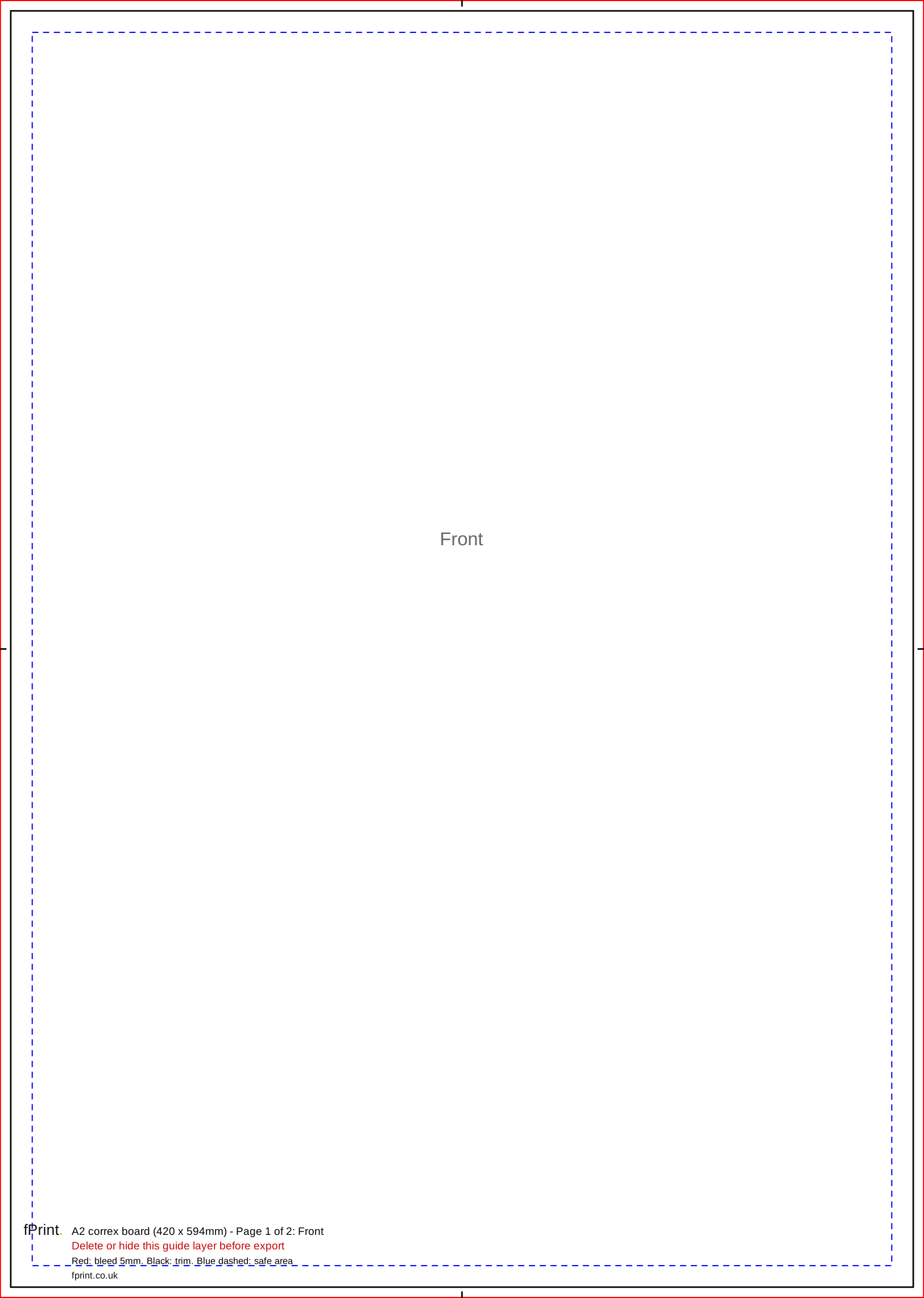
| Bleed edge | Red, thin solid line round the edge of the page | Backgrounds run to here. This 5mm strip is trimmed off. |
| Trim line | Black, solid line, with short black centre marks in the bleed | The edge of the finished board. |
| Safe area | Blue, short dashes, 10mm inside the trim | Keep text and logos inside this line. |
| Page label | Grey text, "Front" or "Back" | Which side of the board the page is. |
| Label block | Black and red text near the bottom edge | Template name, page number, legend and the reminder to delete the guides. |
Product notes
| Size | Trim (mm) | Artwork with 5mm bleed (mm) |
|---|---|---|
| A3 | 297 x 420 | 307 x 430 |
| A2 | 420 x 594 | 430 x 604 |
| A1 | 594 x 841 | 604 x 851 |
| A0 | 841 x 1189 | 851 x 1199 |
- Bleed is 5mm, not 3mm. A file with only 3mm of bleed will be flagged by our automatic check.
- Safe area: 10mm inside the trim on every size.
- Double-sided: one PDF, with the front as page 1 and the back as page 2.
- Holes: our boards come without holes, and the templates don't mark any. Need holes? Contact us before you order. Keep important text inside the safe area so it stays clear of any fixings you add.
- Resolution: 150dpi at full size. A full A1 image needs about 3508 x 4967 pixels.
- Material: 3mm or 4mm correx, depending on the size and quantity, printed in full colour.
Using it in Canva and Word
Canva's Show print bleed adds about 3mm, which is not enough for correx. Create a custom-size design at the full artwork size from the table instead, with Show print bleed off, upload our SVG as a guide and delete it before you download as PDF Print. Word's largest page is 22 inches (558.8mm) on each side, so only the A3 board fits; use a design app or Canva for the larger sizes.
Questions
How much bleed does a correx board need?
5mm on every side, which is more than paper products need. An A1 board is 594 x 841mm, so the artwork file is 604 x 851mm. Keep text and logos 10mm inside the trim. In Canva, enter the full artwork size as a custom size, because Canva's own bleed setting only adds about 3mm.
How do I set up a double-sided correx board?
The template has two pages. Put the front design on page 1 and the back on page 2, and export them as one two-page PDF. If both sides are the same, copy the front to page 2. If only one side is printed, send page 1 only. Check both sides in the on-screen proof before you pay.
How far from the edge should text be on a correx sign?
At least 10mm inside the trim, which is the blue dashed line in our template. That keeps text clear of the cut edge and of any fixings, cable ties or frames you use to put the board up. For signs read from a distance, leave more space than the minimum: a clear margin makes the message easier to read.
Do the correx boards come with holes?
No. Our correx boards come without holes, so the templates don't mark any hole positions. Need holes? Contact us before you order. If you plan to fix the board with cable ties or screws, keep important text well inside the blue safe area so your fixings don't cover it.