Roller Banner Templates
Free, print-ready templates for every size and option of our roller banners, with the bleed, trim and safe area marked, and the folds, cut lines and page labels where your product has them.
About these templates
We have roller banner templates for the two sizes we print: 850 x 2000mm and 1000 x 2000mm. The artwork is the full banner plus 5mm of bleed on every side, so the files are 860 x 2010mm and 1010 x 2010mm. Keep text and logos 10mm from the top and sides.
The stand base can cover the bottom of the banner when it is pulled up. Our template shades the strip at the bottom that the base can cover in grey hatching. Fill it with your background colour or image only, and keep all text, logos, web addresses and faces at least 160mm above the bottom edge.
People see a roller banner over tables, heads and other stands, so put your name and main message in the top part of the banner, where it reads from across a room. Keep the wording short and the text large.
Images at 150dpi at full size are enough for a banner. Download the PDF for Illustrator, InDesign or Affinity, or the SVG for Inkscape. Run backgrounds out to the red bleed edge, delete or hide the guide layer before you export, and upload your PDF on the roller banners page. Our roller banner design and set-up guide covers layout in more detail.
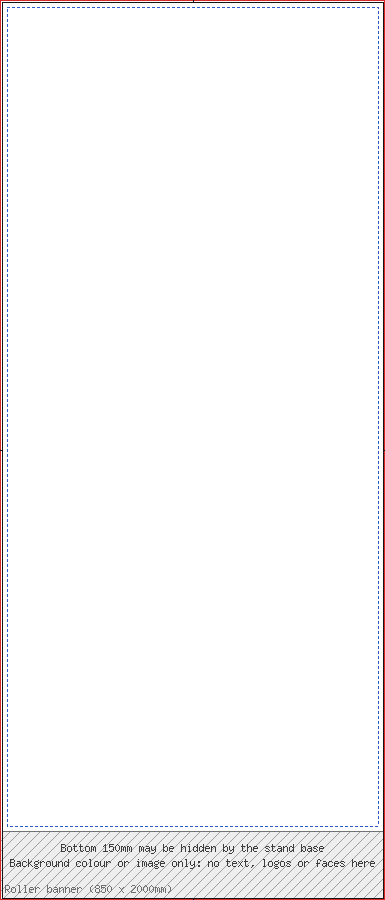
Roller banner (850 x 2000mm)
| Trim size | 850 x 2000mm |
|---|---|
| Artwork with bleed | 860 x 2010mm |
| Bleed | 5mm |
| Safe area | 10mm inside the trim; 160mm from the bottom |
| Pages | 1 |
| Formats | PDF, SVG |
Artwork is the full 850 x 2000mm banner plus 5mm bleed (page 860 x 2010mm). The base can cover the bottom of the banner, so fill the bottom strip with background only and keep text and logos clear of the bottom 160mm. Keep them 10mm from the top and sides too. Images at 150dpi at full size.
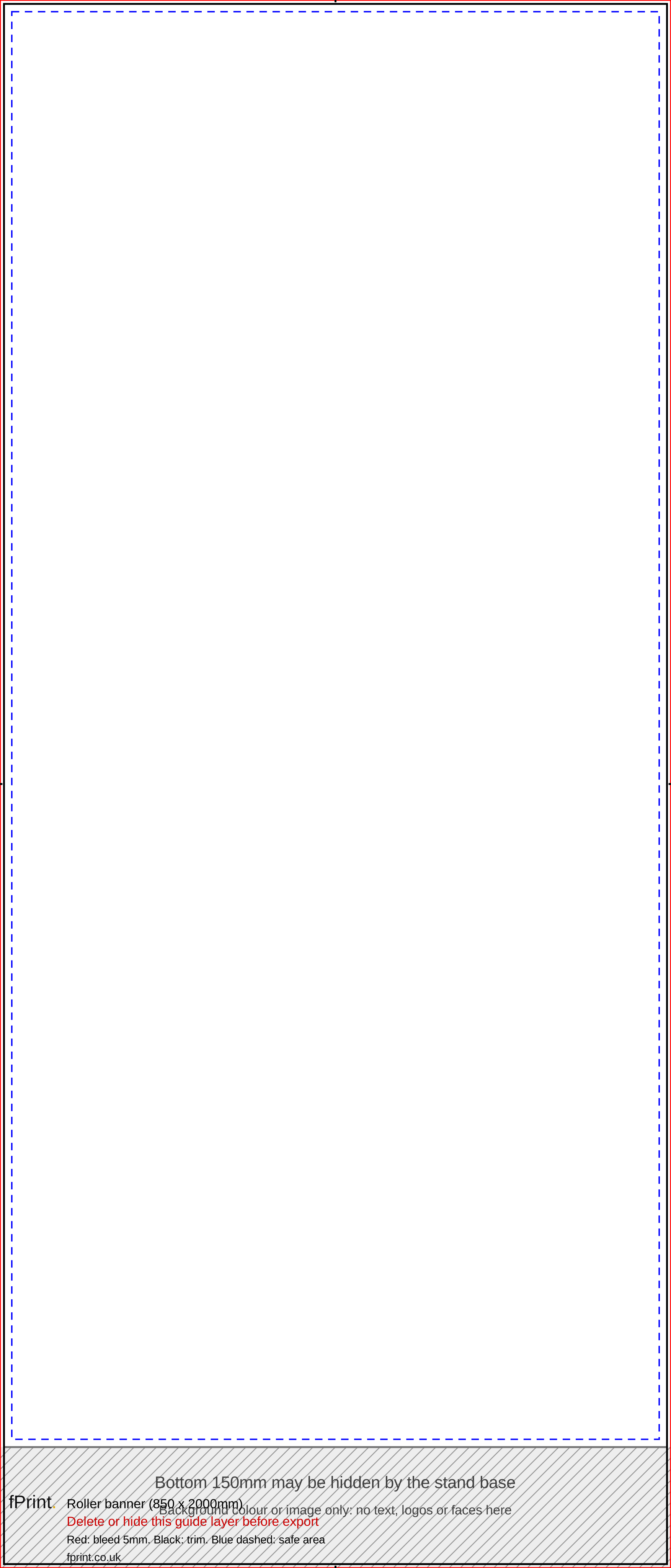

Roller banner (1000 x 2000mm)
| Trim size | 1000 x 2000mm |
|---|---|
| Artwork with bleed | 1010 x 2010mm |
| Bleed | 5mm |
| Safe area | 10mm inside the trim; 160mm from the bottom |
| Pages | 1 |
| Formats | PDF, SVG |
Artwork is the full 1000 x 2000mm banner plus 5mm bleed (page 1010 x 2010mm). The base can cover the bottom of the banner, so fill the bottom strip with background only and keep text and logos clear of the bottom 160mm. Keep them 10mm from the top and sides too. Images at 150dpi at full size.

Sizes for Canva, Word and other apps
The artwork size is the trim size plus the bleed on every side. Use it as the custom size (in millimetres) when you set up a design without our file, and keep text inside the safe area.
| Template | Trim size | Artwork with bleed (custom size) | Bleed | Safe area |
|---|---|---|---|---|
| Roller banner (850 x 2000mm) | 850 x 2000mm | 860 x 2010mm | 5mm | 10mm inside the trim; 160mm from the bottom |
| Roller banner (1000 x 2000mm) | 1000 x 2000mm | 1010 x 2010mm | 5mm | 10mm inside the trim; 160mm from the bottom |
What's in the file
| Mark | Colour and line | What it means |
|---|---|---|
| Bleed edge | Red, thin solid line round the edge of the page | Backgrounds run to here. This 5mm strip is trimmed off. |
| Trim line | Black, solid line, with short black centre marks in the bleed | The edge of the finished banner. |
| Safe area | Blue, short dashes, 10mm in from the top and sides and 160mm up from the bottom | Keep all text and logos inside this line. |
| Bottom strip | Grey diagonal hatching on a light grey band across the bottom of the banner, topped by a solid grey line and labelled as the part the stand base may hide | The base can cover this strip. Background colour or image only: no text, logos or faces. |
| Label block | Black and red text near the bottom of the page | Template name, legend and the reminder to delete the guides. |
The line weights and labels are scaled up for the banner size, so they stay readable when you zoom out to see the whole design.
Product notes
| Size | Trim (mm) | Artwork with 5mm bleed (mm) | Pixels for a full-size image at 150dpi |
|---|---|---|---|
| 850 x 2000mm | 850 x 2000 | 860 x 2010 | 5020 x 11811 |
| 1000 x 2000mm | 1000 x 2000 | 1010 x 2010 | 5906 x 11811 |
- Artwork height is 2000mm, the full banner, not a taller size. The base can cover the bottom, but don't add extra length for it.
- Safe area: 10mm at the top and sides, and 160mm from the bottom, because the base can cover the bottom of the banner.
- Layout: put your logo and main message in the upper part, supporting points in the middle, and contact details or a web address above the shaded strip.
- Material and stand: printed on 300gsm polymer banner material, fitted to a standard roller stand, with a carry bag.
- Use: roller banners are for indoor use, such as exhibitions, receptions and events.
- Single-sided: one page, printed on one side.
Using it in Canva and Word
Canva limits how large a custom design can be. If it accepts the full 860 x 2010mm or 1010 x 2010mm size, design at that size with Show print bleed off (Canva's bleed is about 3mm, and banners need 5mm), and use our SVG as a guide. Word can't make a page this large: its largest page is 22 inches (558.8mm) on each side. Use a design app such as Affinity, Illustrator, InDesign or Inkscape instead.
Questions
What size should roller banner artwork be?
Make the file 860 x 2010mm for an 850 x 2000mm banner, or 1010 x 2010mm for a 1000 x 2000mm banner. That is the banner plus 5mm of bleed on every side. Keep text 10mm from the top and sides, and at least 160mm up from the bottom, because the stand base can cover the bottom of the banner.
How much of a roller banner is hidden by the stand?
The stand base can cover the bottom of the banner when it is up, so treat the bottom strip as background only. Our template shades this strip in grey hatching. Run your background colour or image through it, but keep text, logos and faces at least 160mm from the bottom edge, which is where the blue safe area ends.
What resolution do I need for a roller banner?
150dpi at full size is enough, because a banner is read from a few steps away. For an 850 x 2000mm banner, a full-size background image needs about 5020 x 11811 pixels. Logos are best as vector files (PDF, SVG or EPS), which stay sharp at any size. Our automatic check warns you if an image is too low in resolution.
Where should the main message go on a roller banner?
Near the top. People see a banner over tables and other people, so your name and main message should sit in the upper part, where they read from across a room. Put supporting points in the middle and contact details at least 160mm up from the bottom. Keep the wording short and the text large.